Chattybot 1.3

Chattybot evolves to version 1.3. This update brings several functional and technical improvements that we will detail below.
Starting Wednesday, July 15th, your Chattybot will be updated to this new version. For any questions, do not hesitate to contact your Clovis representative.
Interface improvements
Several adjustments have first been made to the interface to simplify daily usage.
Among the visible changes:
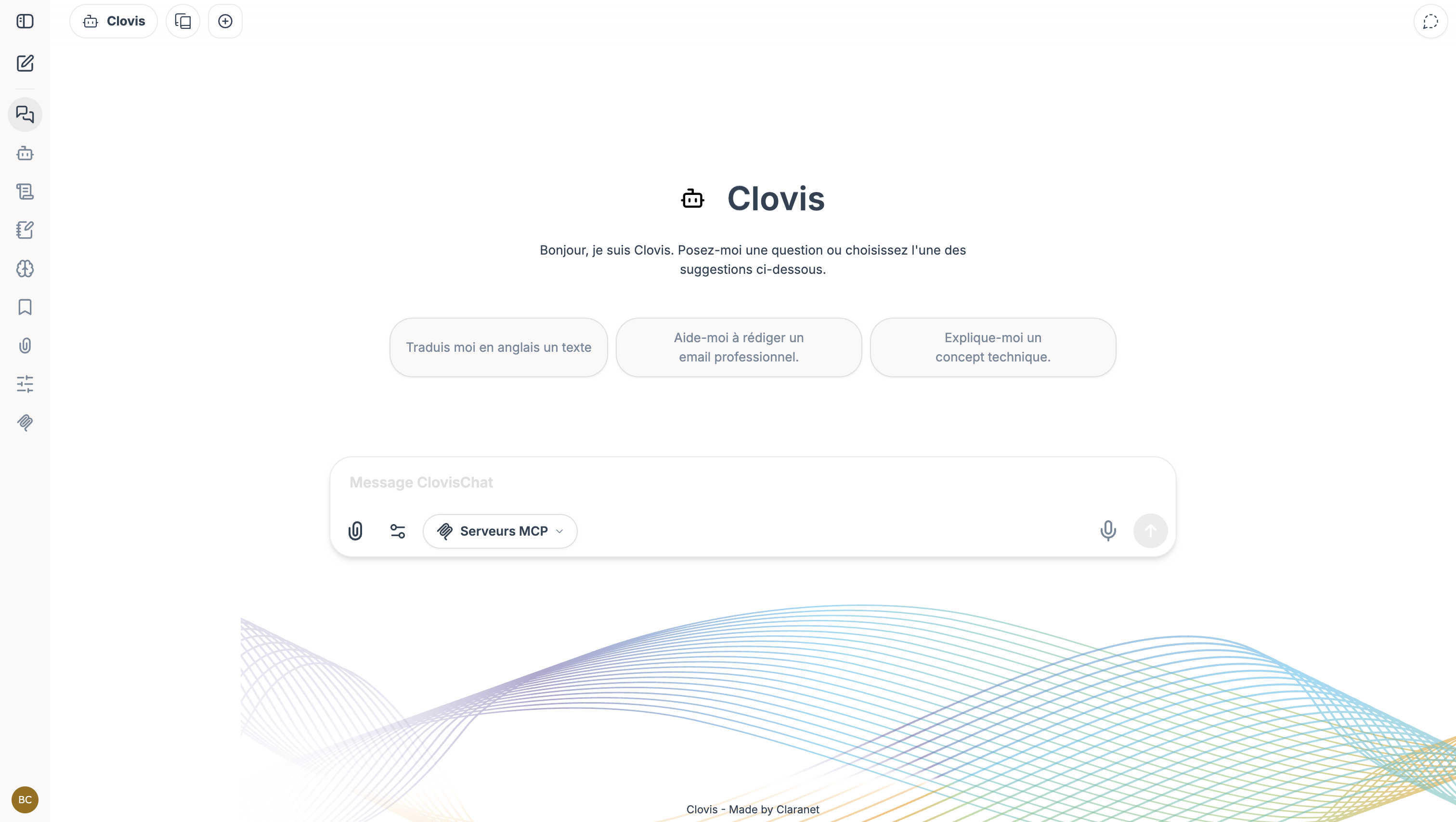
New sidebar organization
Global search bar across all conversations
Ability to pin important conversations
Easier navigation in long conversations
Timestamp display on message hover
Better readability of conversation history
Better visibility on token usage
Settings page redesign
Keyboard shortcuts added
More direct access to available tools
Conversation starters added
Improved artifact display
More comfortable preview of generated files
Clearer interface for agent configuration
These changes do not alter the overall behavior of Chattybot, but make the interface more practical for daily use.
Organizing conversations with projects
Version 1.3 also introduces the concept of projects. A project allows you to group multiple conversations within the same workspace. This makes it easier to track topics that span over time: document analysis, client follow-up, development, deliverable preparation, or discussions around a common theme.
Concretely, it is now possible to:
Create a project dedicated to a specific topic
Start a new conversation directly within a project
Move an existing conversation into a project
More easily find exchanges related to the same context
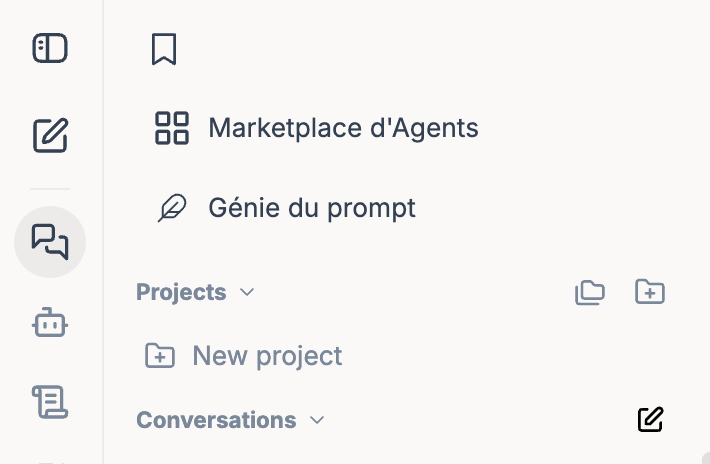
This feature allows you to structure your history without relying solely on conversation search. However, there is no shared memory between conversations within the same project.
Context usage tracking
Chattybot now displays context usage more clearly within conversations.
A gauge allows you to visualize the context space already used, with information about consumed tokens. Depending on the instance configuration, cost information may also be displayed.
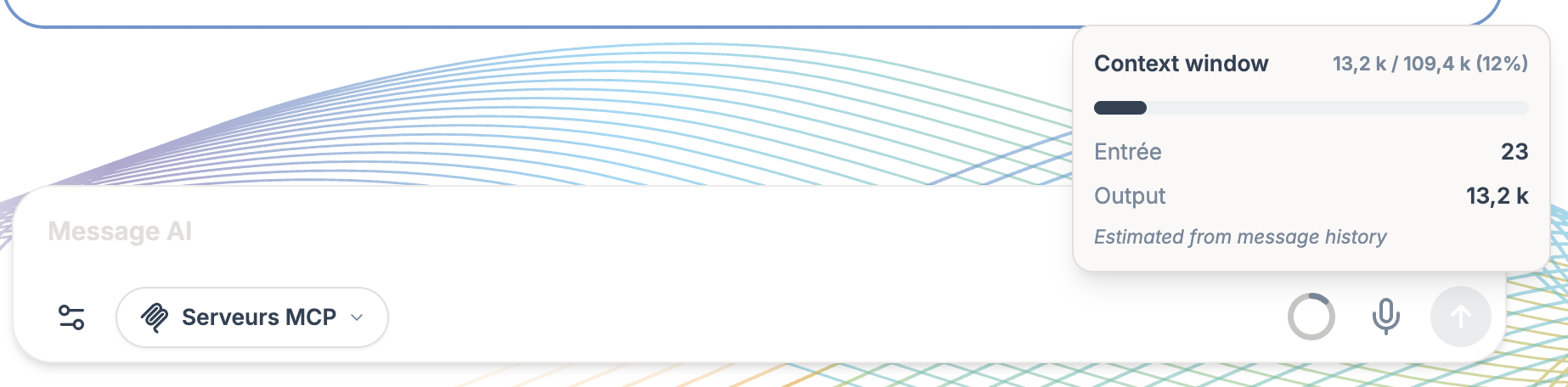
This improvement helps you better understand why a long conversation can sometimes become harder to continue, and allows you to anticipate when it is preferable to summarize or start a new conversation.
Memories and skills
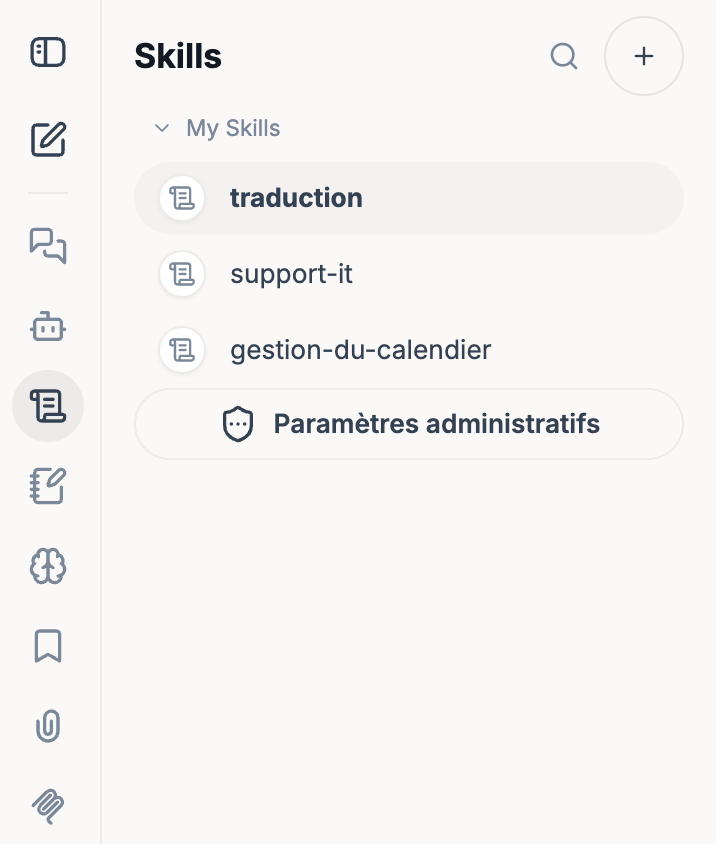
Skills
The skills allow you to add specialized capabilities to an agent, for example to frame a type of task, reuse instructions, or integrate specific resources.
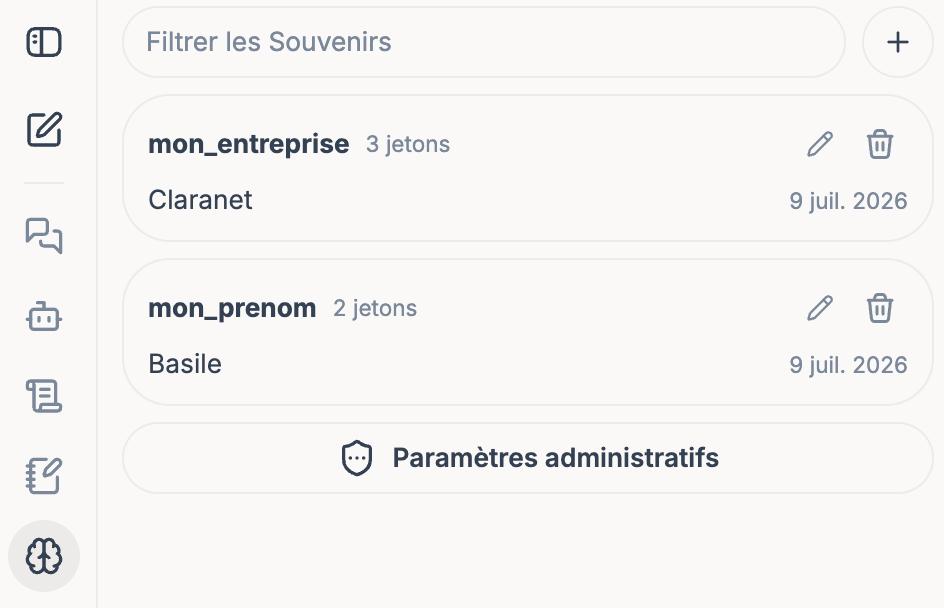
Memories
Memories allow you to retain useful information from one conversation to the next, in order to provide more personalized responses.
Artifacts
The version upgrade also includes improvements around artifacts.
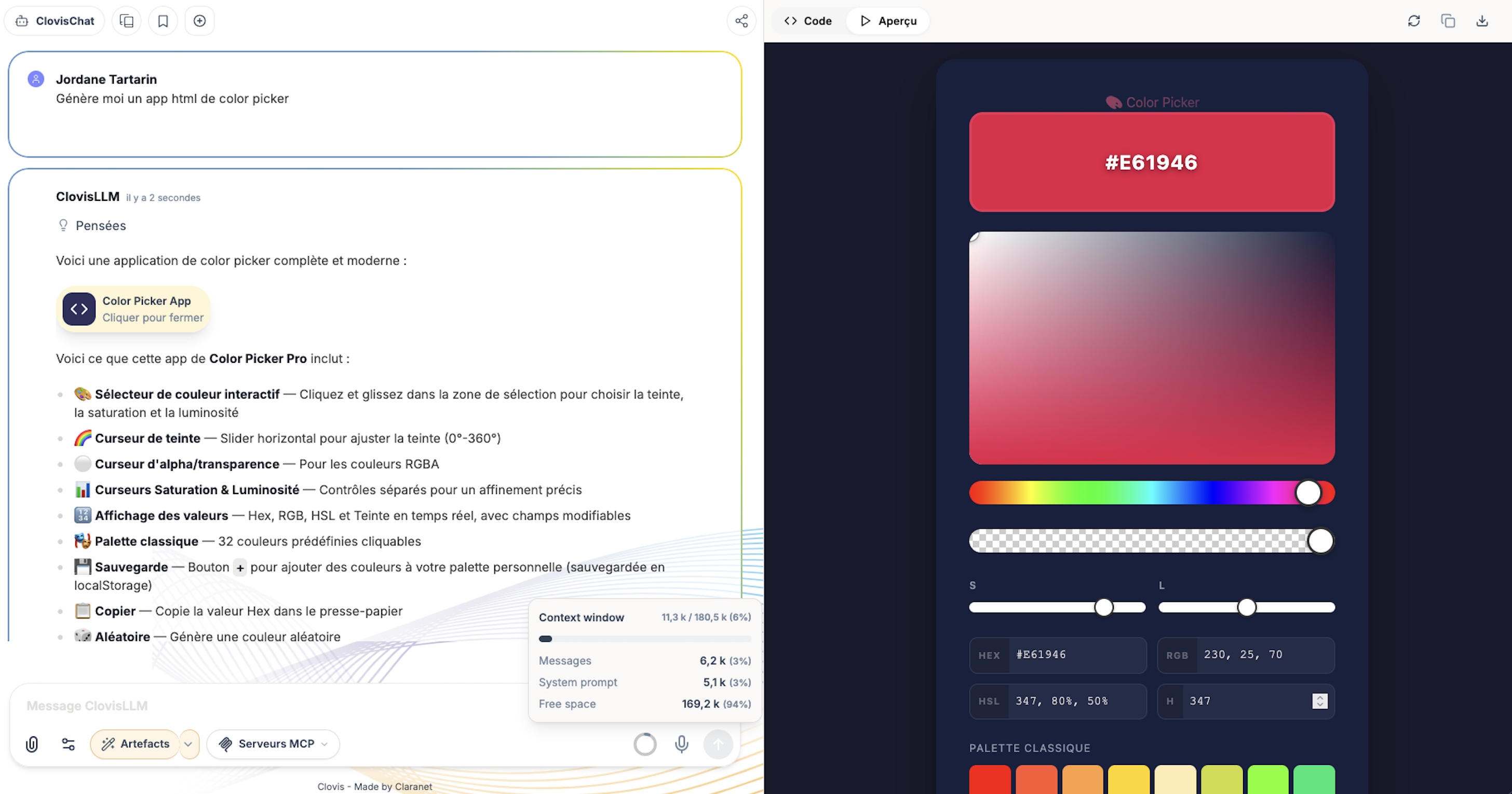
Artifacts allow you to display certain content generated by the model directly in the interface, for example code, tables, documents, or structured renderings.
This feature is for example very useful for prototyping.