Agents
The Agents page in the administration console lets you view and manage the agents available in the selected organization.
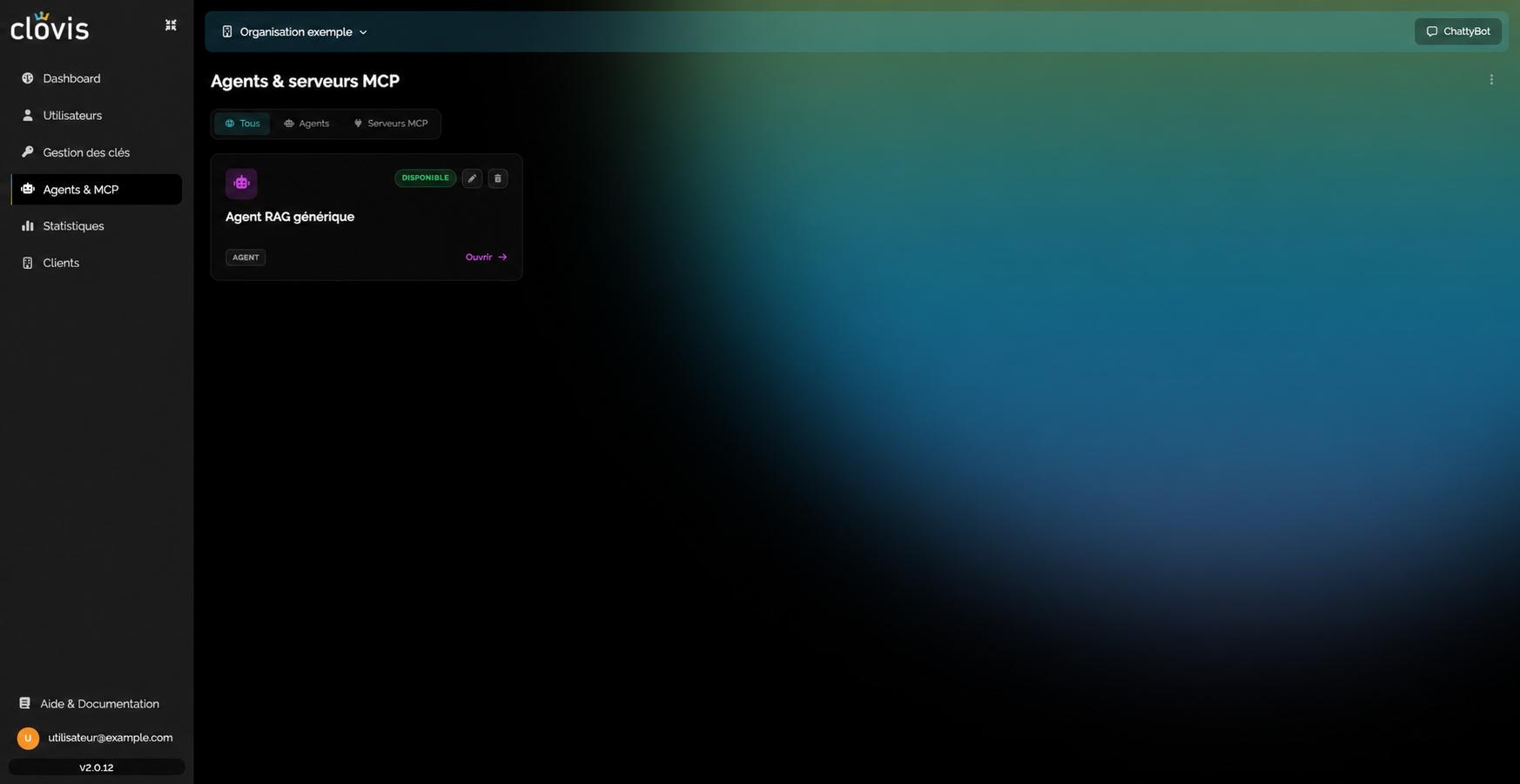
Each card shows the agent's name, type, and availability status. Select Open to access its monitoring and configuration features.
Permission required
This page is restricted to accounts with agent administration permission. If Agents does not appear in the navigation or the page is inaccessible, ask your organization's administrator to check your permissions.
Manage a RAG agent
Opening a RAG agent provides access to three complementary views:
- Document ingestion, to synchronize sources and check each document's status;
- Feedback, to track usage and perceived response quality;
- Configuration, to register document sources and define their ingestion scope.
Visibility depends on permissions
The agents and actions available depend on your account permissions and the selected organization.