Accessing the API from OpenCode
OpenCode allows you to interact with the ClovisLLM model directly from your terminal.
It enables you to:
generate code
run smart commands
navigate within a project
automate tasks
Installing OpenCode

Make sure you have Node.js installed.
Install OpenCode via npm:
npm install -g opencode
Then launch the tool:
opencode
Configuring OpenCode
You can configure OpenCode using a file:
Location:
~/.config/opencode
Add the following configuration:
{
  "$schema": "https://opencode.ai/config.json",
  "provider": {
    "litellm": {
      "npm": "@ai-sdk/openai-compatible",
      "name": "ClovisLLM",
      "options": {
        "baseURL": "https://llm-gateway.clovis-ai.fr/v1"
      },
      "models": {
        "ClovisLLM": {
          "name": "ClovisLLM"
        }
      }
    }
  }
}
Usage
Connecting to a provider
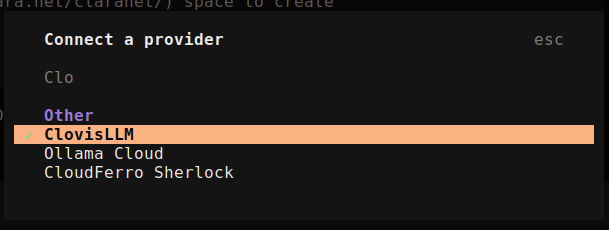
API Configuration
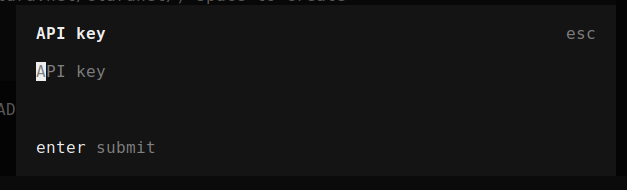
(enter your API key from the Clovis console)
Once configured, you can interact with your model directly in the terminal:
Ask anything... "Explain this function"
Or run commands:
Build