Skills
A skill is a reusable set of instructions that teaches an agent how to perform a particular task, such as applying a style guide, translating according to internal rules, or following a support procedure.
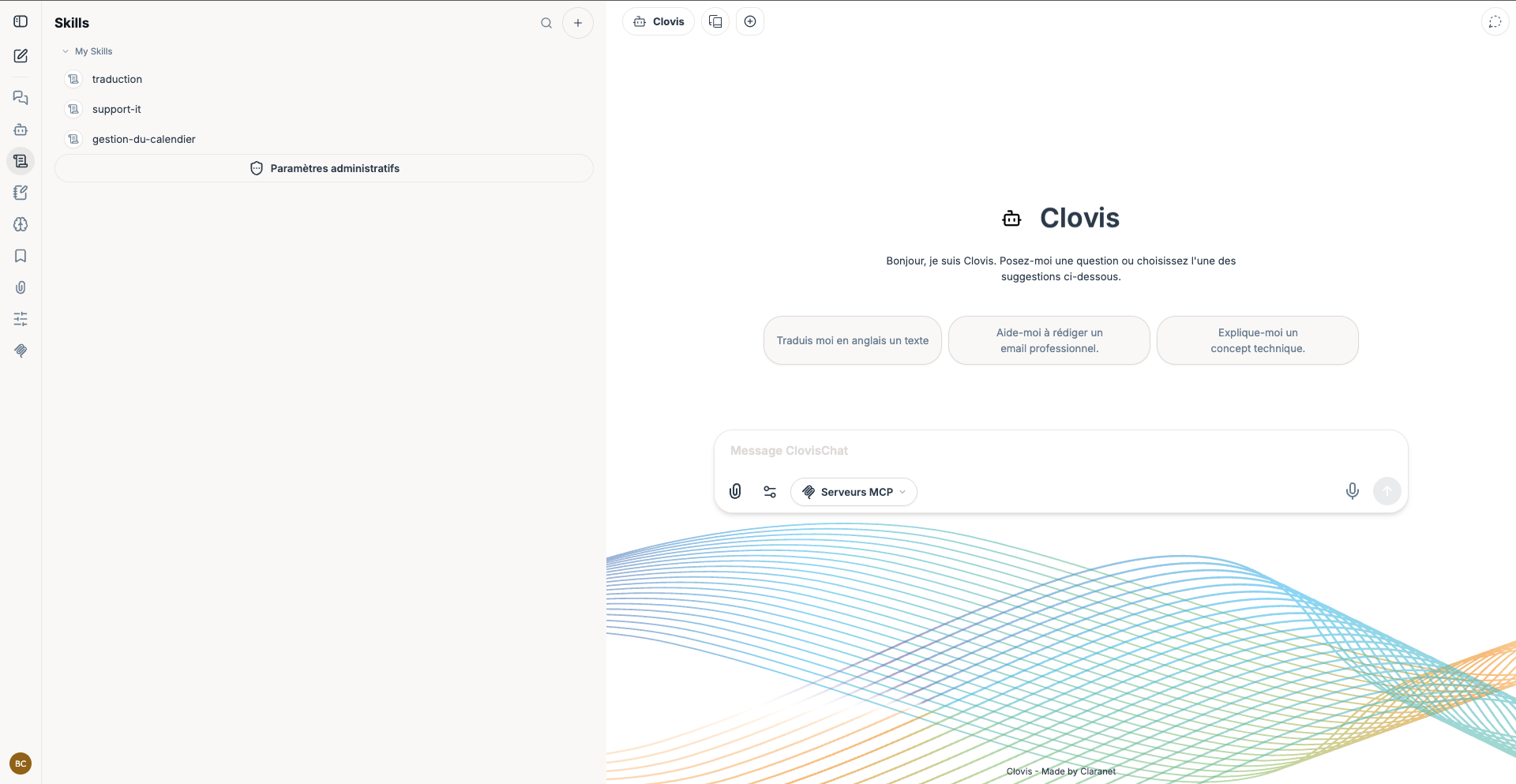
Browse skills
Open Skills from the navigation. The My Skills list contains the skills you can access. Use search to find a skill by name; the available administrative settings depend on your permissions.
Create a skill
Select the + button, then complete the form.
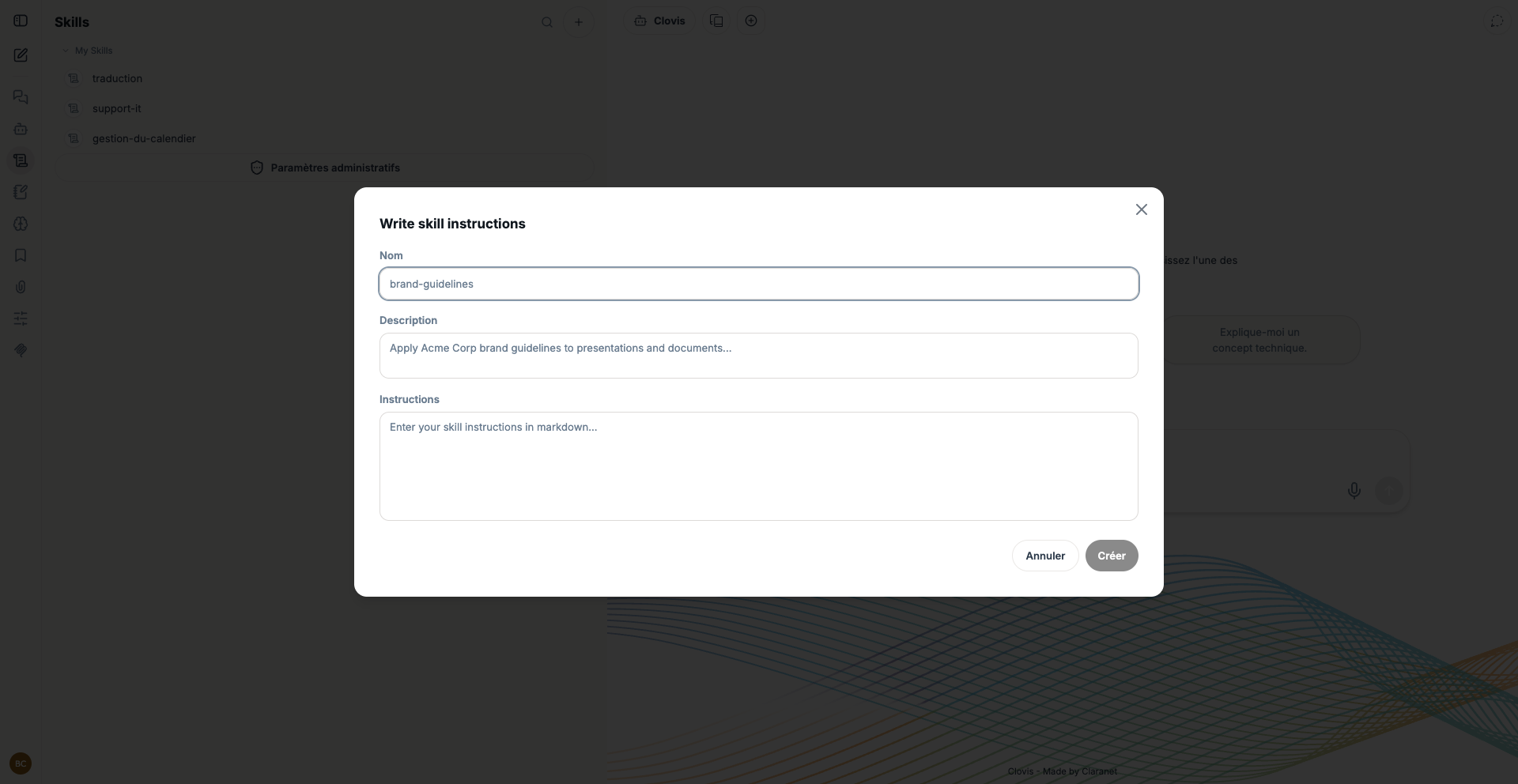
- Enter a short, unique name.
- Add a description explaining when to use the skill.
- Write the instructions in Markdown: steps, rules, constraints, and expected result.
- Select Create.
Write effective instructions
- Give each skill one clearly identifiable objective.
- Describe the steps in execution order.
- Distinguish mandatory rules from recommendations.
- Specify the output format and when the agent should request information.
- Do not include secrets or personal data.
After creating it, associate the skill with an agent and test several representative requests. A skill defines a method; to provide access to an external service or data, use an MCP server instead.
Skill examples
| Skill | Purpose | What to include in the instructions |
|---|---|---|
| Apply the editorial style guide | Produce content consistent with the organization's tone and vocabulary. | The expected tone, terms to use or avoid, typography rules, compliant examples, and output format. |
| Analyze a support ticket | Always follow the same qualification process before proposing a solution. | Information to collect, order of checks, incident categories, escalation criteria, and diagnostic structure. |
| Prepare meeting minutes | Turn notes or a transcript into actionable minutes. | Required sections, how to identify decisions and actions, deadline format, and what to do when information is missing. |
A good skill describes a procedure. It should not claim to access external data: that access must be provided separately through an MCP server.